Capture or import
Photograph a printed photo or bring in an image you already have.
 DocMint
Memories
Digitize printed photos, make gentle non-destructive edits, and keep the names, dates, places and stories that make each image worth preserving.
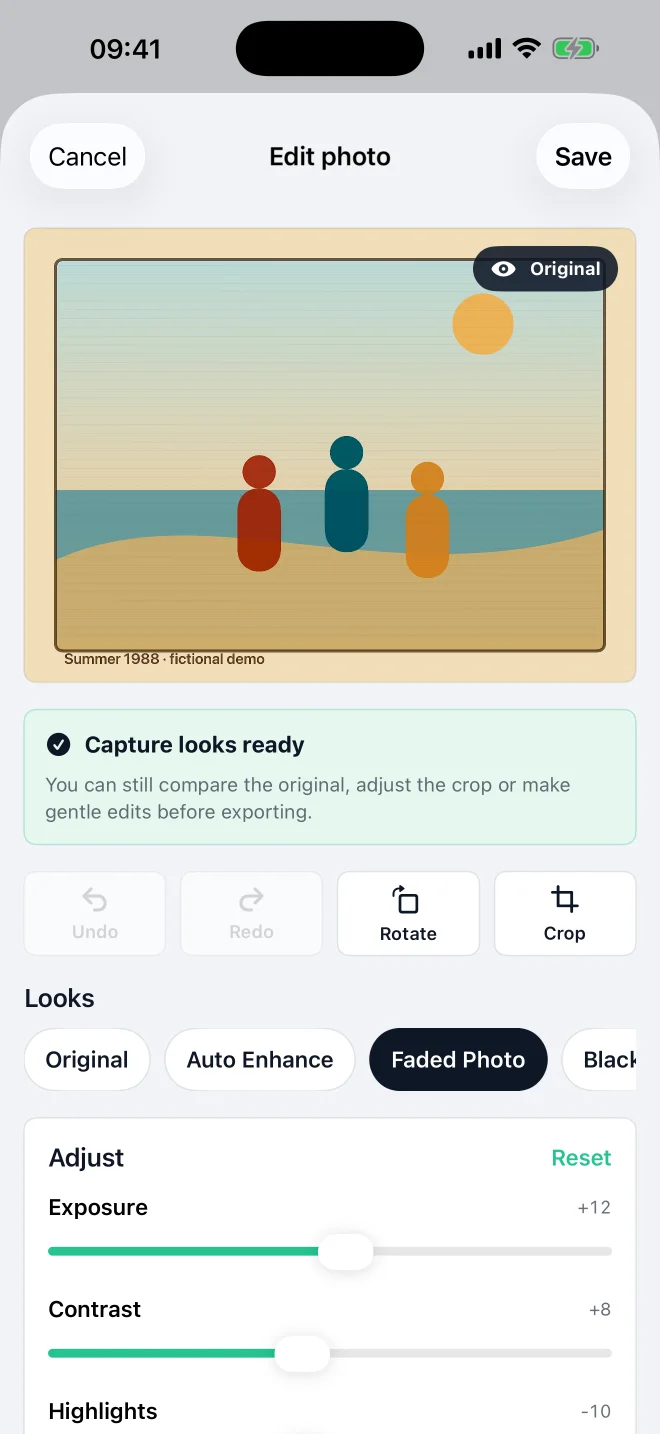
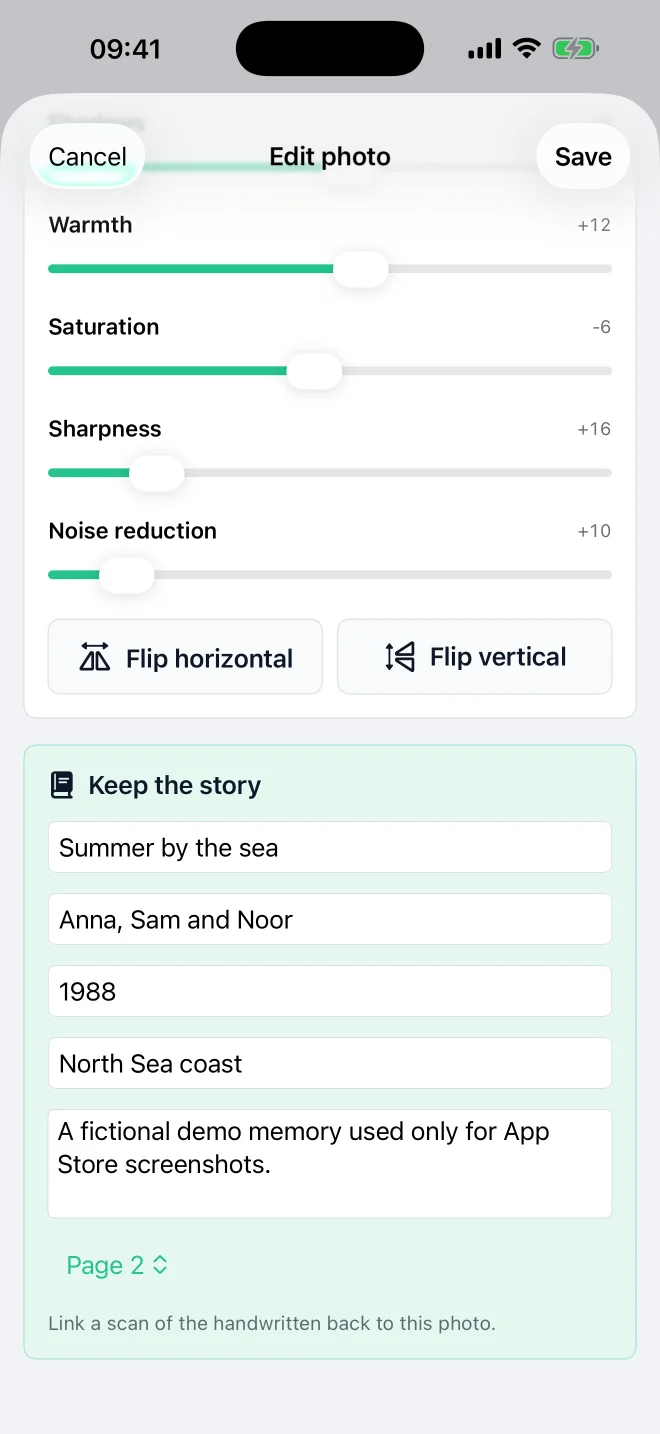
A careful photo workflow
DocMint keeps capture, editing and context together so a scan becomes more than an unnamed image in a camera roll.
Photograph a printed photo or bring in an image you already have.
Rotate, crop and use gentle looks or manual image adjustments.
Add a title, people, date, place and notes, or link a scan of the handwritten back.
Share the finished photo or include it in a wider project when you choose.
Preserve context
A family photo is easier to understand years later when names, a date, a place and the story travel with it.
Free includes unlimited projects with up to 20 items in each project, normal editing and clean export. Pro Lifetime removes the item limit and adds Album Auto-Split, Book Mode and other advanced tools.
Private by design
No document account is required. The native app does not automatically upload your photos to a DocMint server.
Questions
Yes. Free includes photo projects with up to 20 items in each project, normal editing and clean export.
No. Photo edits are non-destructive and the saved original remains available.
DocMint currently provides crop, rotate, looks and manual image adjustments. It does not claim AI restoration.
No automatic DocMint server upload is part of the native workflow. Normal processing runs on the device and you decide when to export or share.
Related paths
Use DocMint on iPhone and iPad for documents, memories, albums and books.