Capture the spreads
Scan open-book spreads in sequence on your iPhone or iPad.
 DocMint
Albums & Books
Capture facing pages, choose whether to split a spread, position a straight divider, review the page order and create clean individual pages.
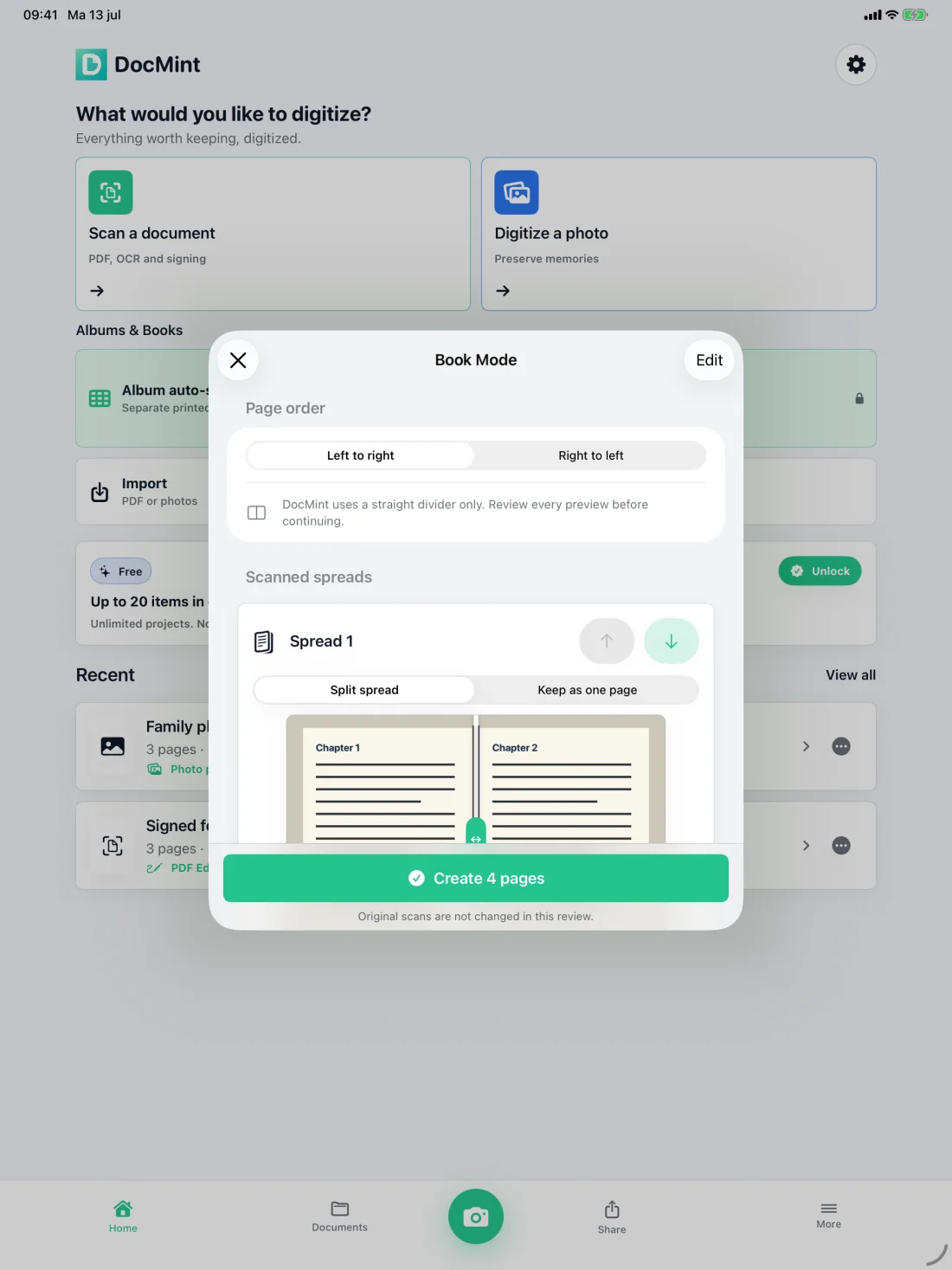
Book Mode
Book Mode handles the repetitive split-and-order workflow while keeping the divider and final result visible to you.
Scan open-book spreads in sequence on your iPhone or iPad.
Split a spread into two pages or keep it together as one page.
Choose left-to-right or right-to-left reading order and position the straight divider.
Confirm the previews, create the pages and continue into the document workflow.
Truthful page handling
Current Book Mode is designed for reviewable facing-page splits. It does not claim automatic curved-page correction.
Pro Lifetime is a one-time unlock. It also adds unlimited project items, Album Auto-Split, Archive Bundles, password protection, document watermarks and other advanced tools. The App Store shows the exact local price.
On-device by default
No document account is required. The native app does not automatically upload scans to a DocMint server.
Questions
Yes. Book Mode is included with the one-time Pro Lifetime unlock.
Yes. Book Mode lets you choose left-to-right or right-to-left page order before creating pages.
No. Current Book Mode uses an adjustable straight divider and requires you to review each preview. It does not claim curved-page correction.
No. The native app has no automatic DocMint server upload. Normal processing runs on your iPhone or iPad.
Related paths
Use DocMint on iPhone and iPad for documents, memories, albums and books.