01
Documents
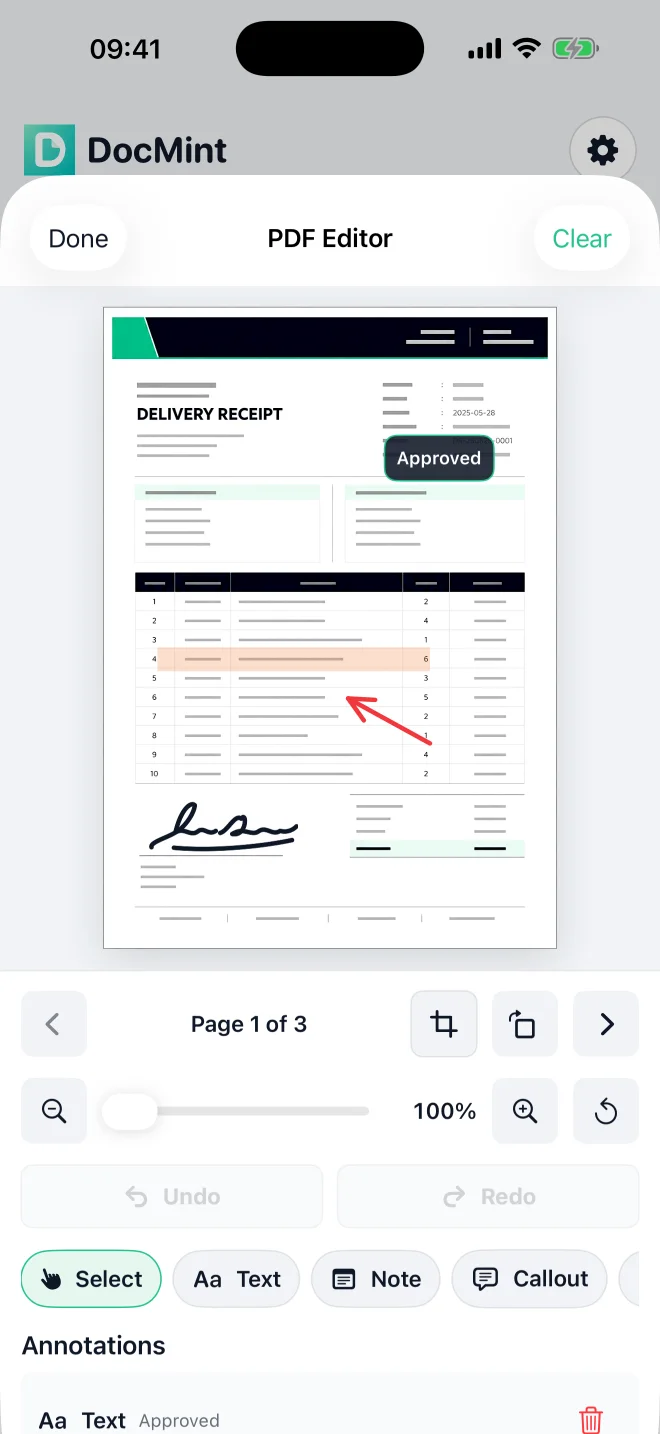
Scan paper or import images and supported PDFs. Crop, reorder, search with on-device OCR, annotate, sign and export clean PDFs.
Explore document scanning DocMint
Private scanning for iPhone, iPad, Android & Windows
Everything worth keeping, digitized.
Scan documents and printed photos, preserve albums and books, edit with on-device tools, and export clean files without creating a document account.
On a Windows PC? Skip the App Store — download the free test build or buy the one-time €29.99 lifetime license on the Windows page.
One app, three paths
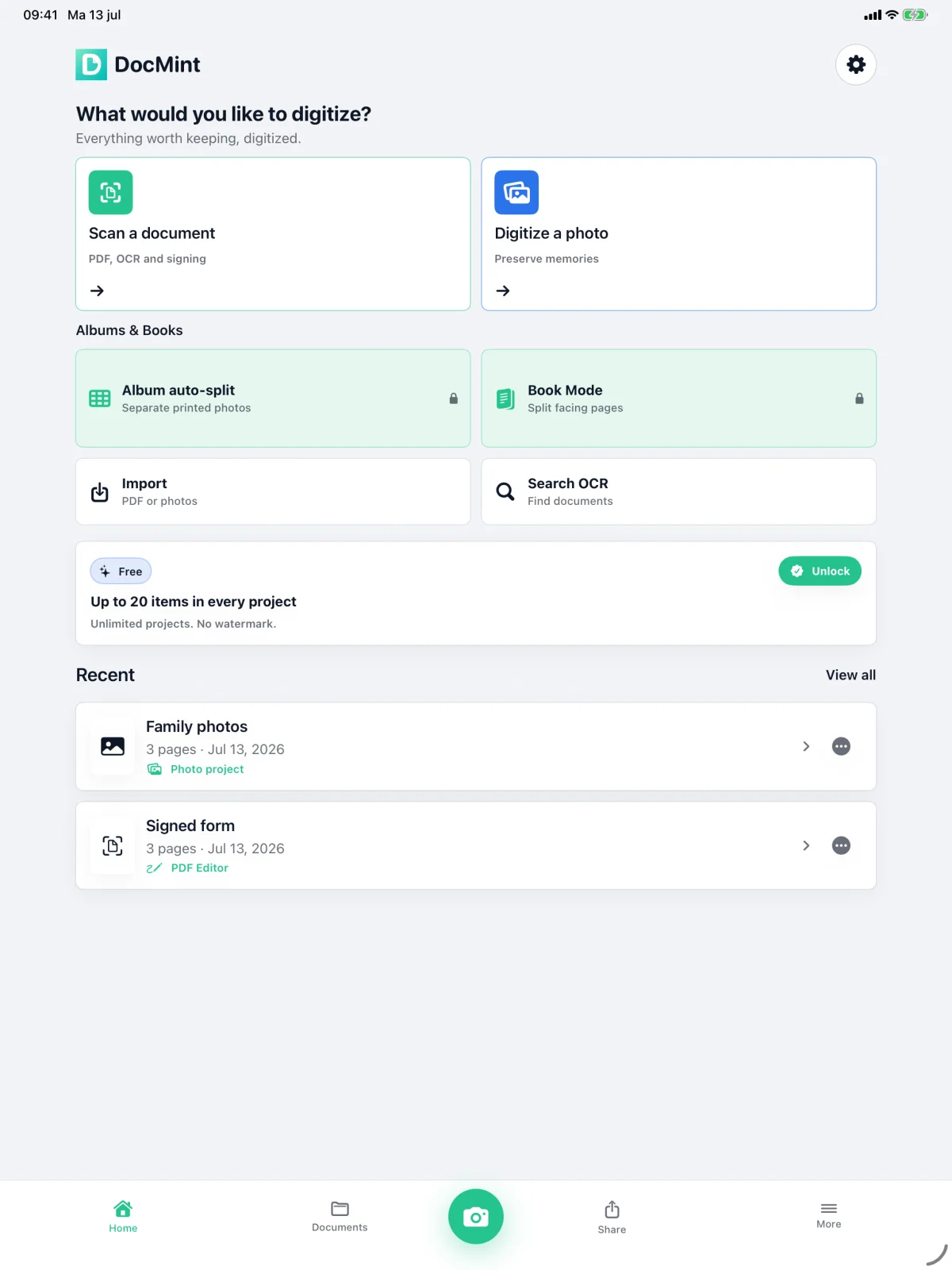
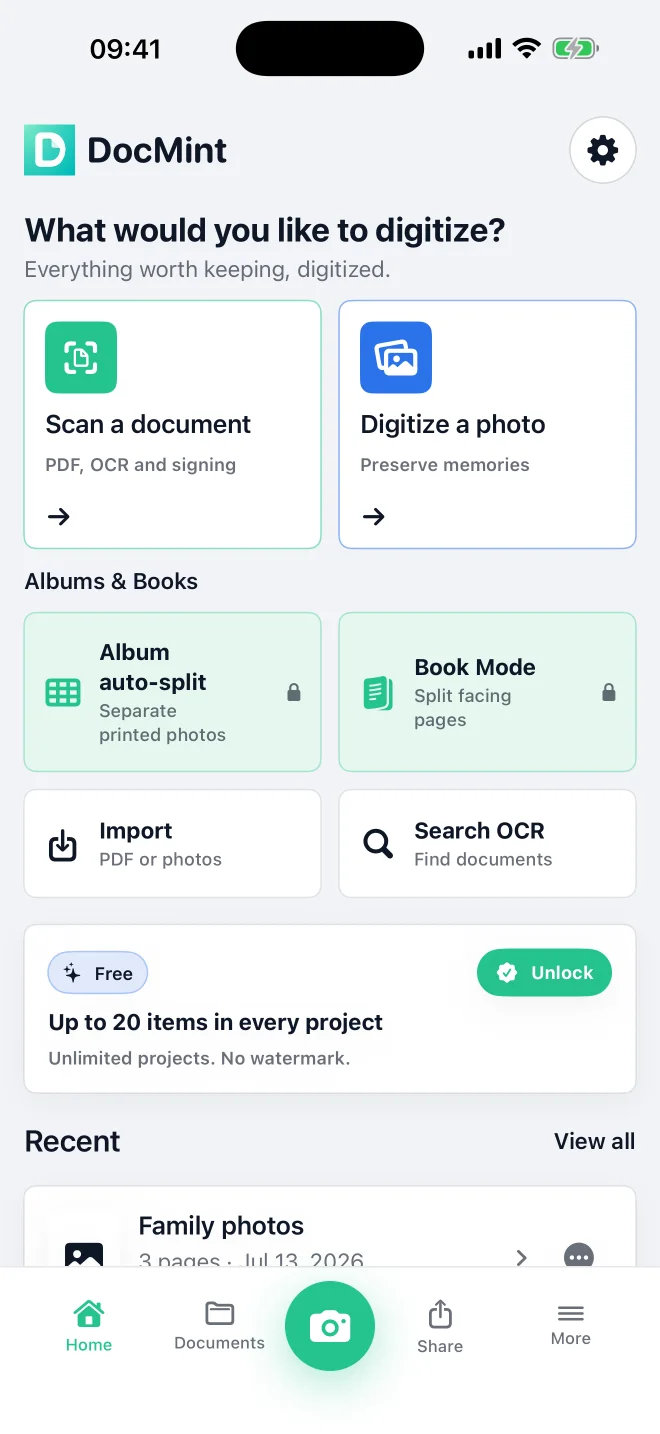
Start with the kind of thing in front of you. DocMint gives each workflow the right tools without sending normal processing to a DocMint server.
01
Scan paper or import images and supported PDFs. Crop, reorder, search with on-device OCR, annotate, sign and export clean PDFs.
Explore document scanning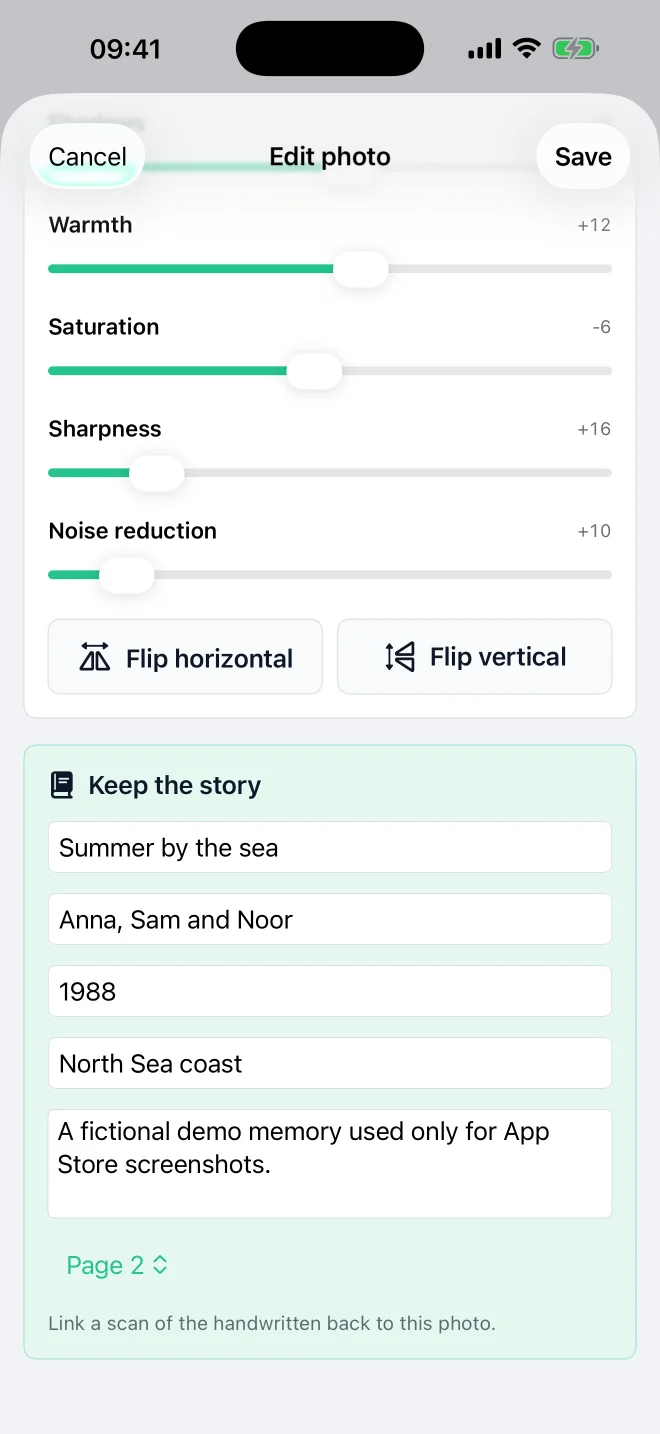
02
Digitize printed photos, make gentle edits without changing the saved original, and add the names, dates, places and stories that give a photo meaning.
Explore photo scanning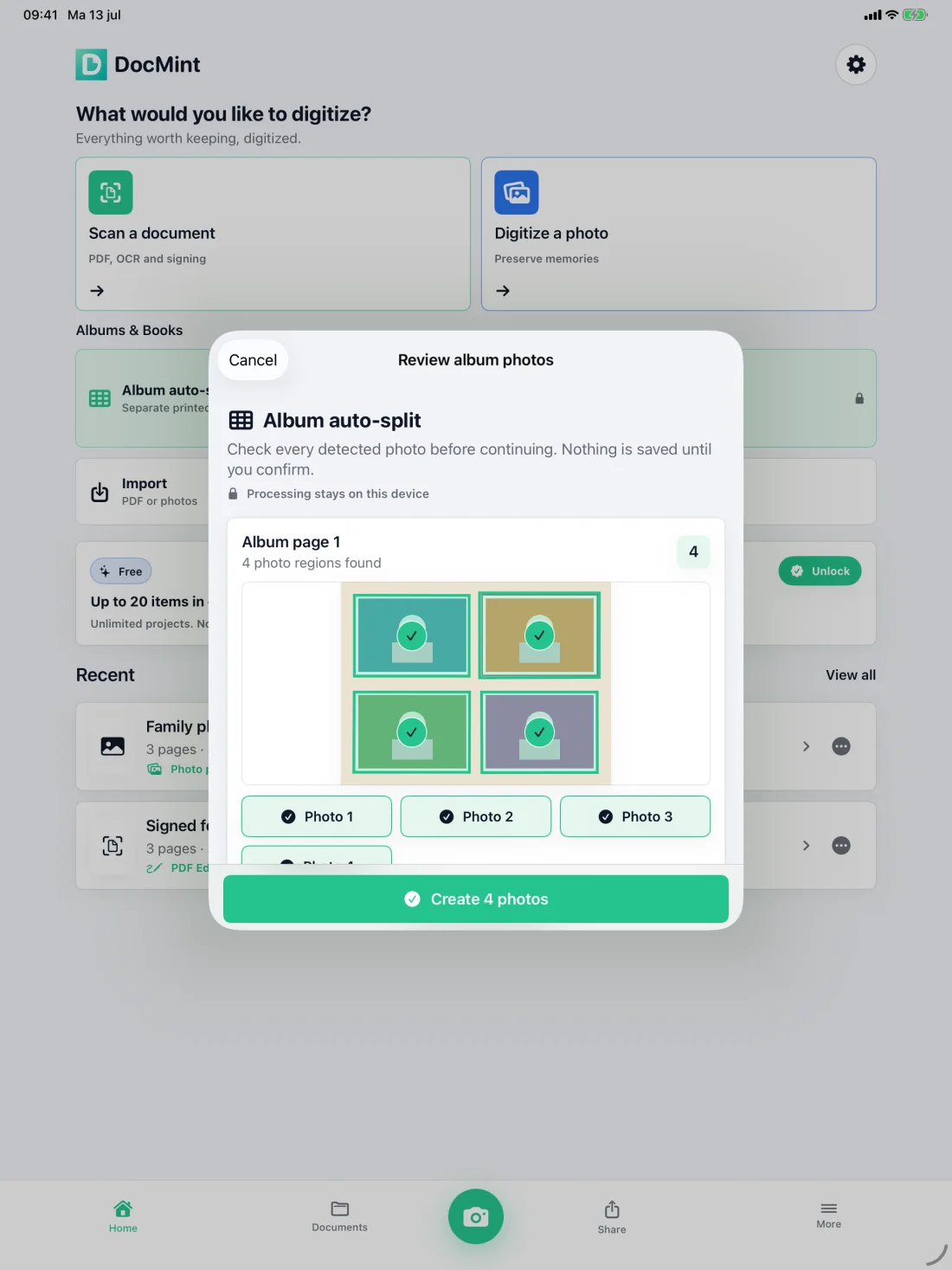
03
Separate printed photos from an album-page scan or split facing book pages, review every result, and preserve the intended reading order.
Private by design
The native DocMint app does not automatically upload scans to a DocMint server. OCR and normal document processing run on your iPhone or iPad. You choose when to export or share.
Read the privacy policySimple ownership
There is no current monthly or yearly plan. The App Store shows the exact price for your region before any purchase.
Free
Supporter
Pro Lifetime
Free, Supporter and Pro Lifetime availability is managed by the App Store.
View DocMint on the App StoreChoose your workspace
DocMint keeps the mobile scanner simple, then gives Windows users a focused desktop editor for paperwork, forms and signed PDFs—without a monthly subscription.
Download a free test build, then unlock a one-time Windows license when DocMint fits your workflow.
See Windows pricing & download ChatGPT Selected PDF actionsFiles you explicitly provide can be processed temporarily. This is separate from the native app's on-device workflow.
ChatGPT supportQuestions
No. DocMint has a Free tier, an optional one-time Supporter purchase and a one-time Pro Lifetime unlock. The App Store shows your exact local price.
The native app does not automatically upload scans to a DocMint server. OCR and normal processing run on your device. You choose when to export or share.
No document account is required for the iPhone or iPad app.
Pro Lifetime adds unlimited project items, Album Auto-Split, Book Mode, Archive Bundles, password protection, document watermarks and other advanced tools.
DocMint on mobile and desktop